
Virtual Visa Card — Use your meal vouchers to pay online
The Monizze Virtual Visa card is a fully digital payment method that links your meal voucher balance to online purchases at selected partners. Available today on HelloFresh. Activate it once in the Monizze app.

Monizze Virtual Visa Card
What you need to know
Fully digital
No physical version exists. Find it in the Monizze app, under the Cards tab.
Linked to your meal vouchers
Your meal voucher balance funds purchases directly. No manual top-up required.
Accessible via the app
View your card details at any time in the Monizze app, under Cards → Card information.
One-time activation
Activate the card once in the app. Your next HelloFresh orders are paid automatically with your meal vouchers.
How to use it
How to use your Monizze Virtual Visa card
Activate in the Monizze app
- Open the app and tap the merchant banner (e.g. HelloFresh) from the home screen
- Follow the activation steps — a confirmation is sent to you by email
Find your card details
- In the Monizze app, go to the Cards tab
- Tap Card information to display your Visa card details
Add the card on the merchant website
- In your HelloFresh account, go to payment settings and add a new payment method
- Select VISA, enter your Monizze Virtual Visa card details and save
Current partner
Available today on HelloFresh
- Without this card, Monizze meal vouchers are not accepted directly on HelloFresh
- The card bridges your meal voucher balance and online payments at selected partners
- More e-shops will be added gradually
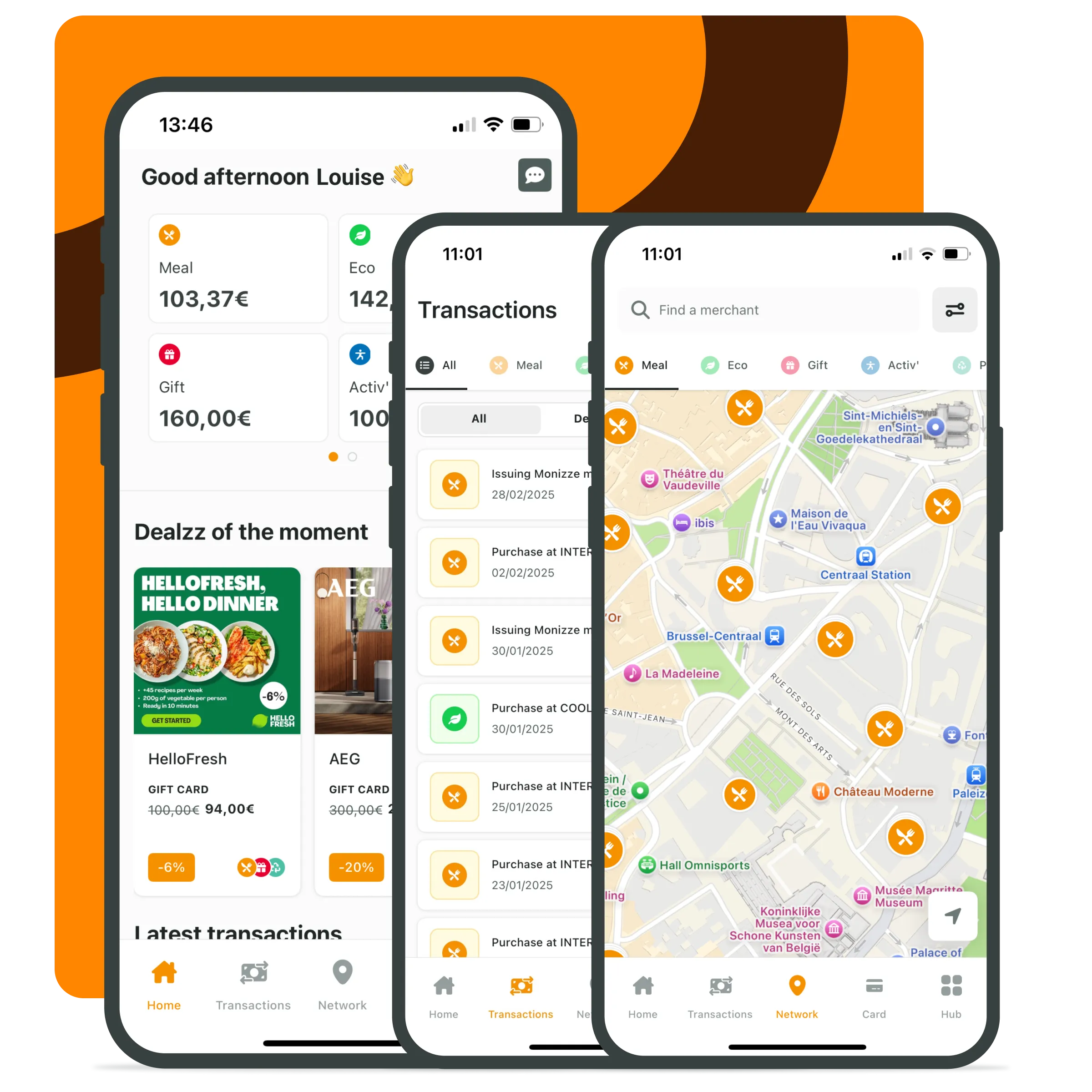
Monizze app
Your card details, always within reach
- Find your Virtual Visa card details under the Cards tab
- Track your meal voucher balance in real time
- Receive a notification for every payment made
FAQ
Frequently asked questions
Why don’t I see “meal vouchers” as a payment method on the merchant website?
Why don’t I see “meal vouchers” as a payment method on the merchant website?
Can I use my Monizze Virtual Visa card on any e-shop?
Can I use my Monizze Virtual Visa card on any e-shop?
What happens if my meal voucher balance is insufficient?
What happens if my meal voucher balance is insufficient?

Ready to activate your Virtual Visa card?
Activate it once in the Monizze app. Your next HelloFresh orders are paid with your meal vouchers.